Author Archives: Cindy Rice

Unknown's avatar

About Cindy Rice

My wonderful husband, my beautiful daughter, and I live in northeastern Illinois with our two sweet chihuahua boys. For as long as I can remember I have loved dolls and making things. I got my first Barbie when I was only three years old! My mom sewed for my Barbie dolls and taught me how to use her sewing machine when I was only seven. I cannot believe she let me near that needle, but she did. Not having enough money for my clothes habit in high school and college led me to start sewing all of my own clothes. There were so many fabric stores around back then and fabric was so inexpensive. I would wait for the 99 cent pattern sale and go crazy. Sewing for myself continued well into my 30’s. (I even made my wedding gown and bridesmaid dresses.) Shortly after I got married I left my full time graphic design position and started designing cross stitch patterns. I called my company “The Lilac Studio” and sold my botanical patterns at trade shows, through distributors which sold to retail shops, and mail order. My most popular pattern, “A Bouquet of Pansies” sold 5000 copies and won a J&P Coats Golden Needle Award! I was also featured in various cross stitch magazines and designed special projects for the magazines. When my daughter was born I didn’t have the time needed to cross stitch and design patterns all day long so I let my pattern design business slip away. And then I started discovering dolls again and I now had an excuse to start buying them. The only problem was that they were for my daughter and not for me. I soon discovered all of the adult collectors out there and decided I would be one of them. I started small at first, collecting Mattel Kelly dolls. Soon I collected over 100 Kelly dolls! After Kelly, I discovered Helen Kish’s Riley and Tonner’s Ann Estelle. I have since learned to knit doll sweaters and love an excuse to knit so most of my doll outfits include a sweater and/or hat. I love creating miniature outfits for dolls and enjoy sharing them with others. Currently I create doll ensembles for Ruby Red Fashion Friends, Kish Bethany, Dianna Effner's Little Darlings, Wilde Imagination's teeny tiny Amelia, Kaye Wiggs BJD, Boneka 10", Linda Macario's Penny.

Hang Onto Your Hat!

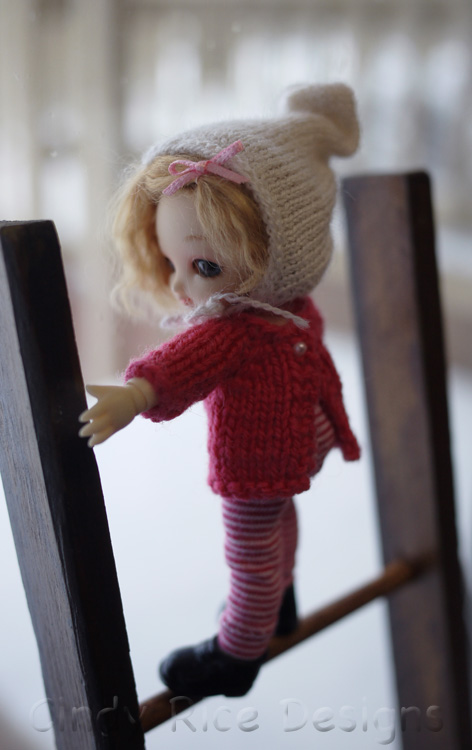
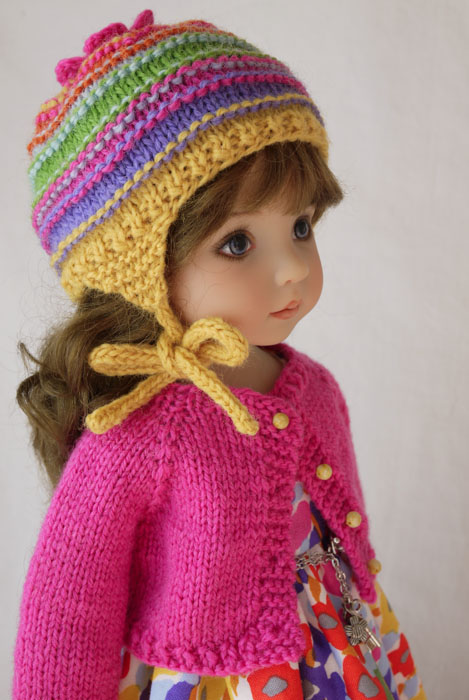
I don’t like hats on myself, never have and probably never will.  I think from the moment I could take them off of myself, I probably did.  The only way that I would cover my head and ears in the coldest weather was with a hood on my coat, so my mom made sure that all of my coats had hoods.  Luckily, my dolls will wear whatever I put on them, and they look adorable in hats, I think.

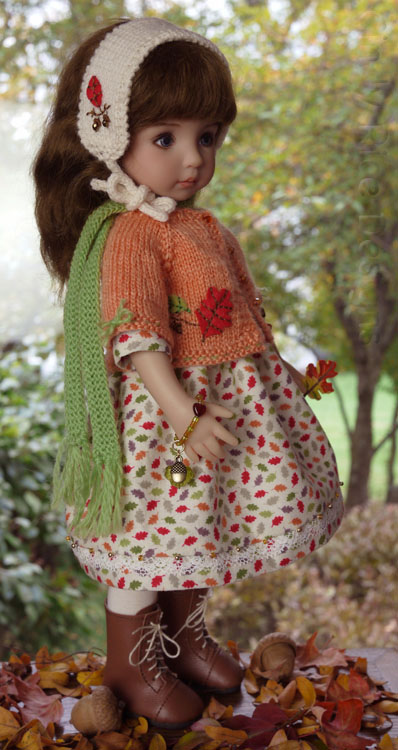
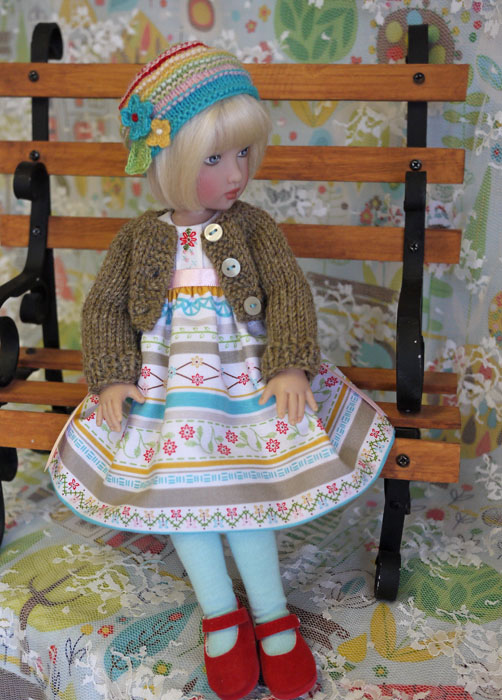
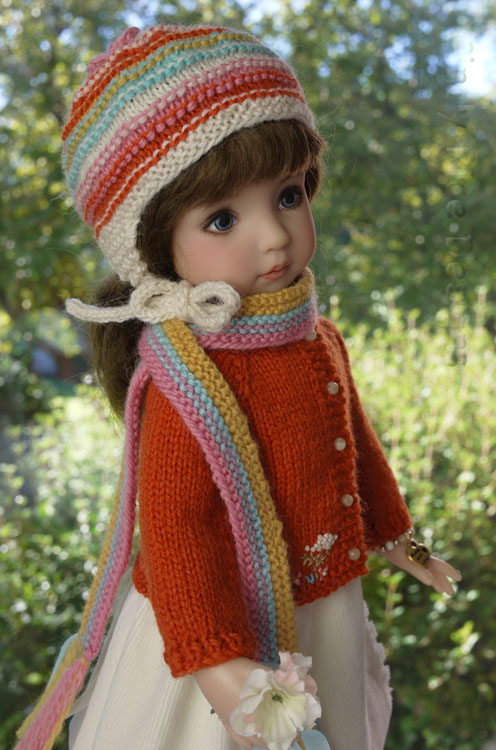
These are my all-time favorite fall/winter hats that I’ve made for my dolls.  Sorry, some of them you probably saw yesterday.


Also, I have one of my Pinterest board this morning (hat inspiration) that I’d like to share with you.

Here is my Pinterest board.

These days I will wear a hat, but only if I am going on a long walk and it is too cold for a headband.  What about you, are you a hat person?

Bye for now!


Sweater Weather is Here

Blustery, Cloudy, Cool!  This is our weekend weather forecast for northern Illinois.  I don’t mind—it’s sweater weather!

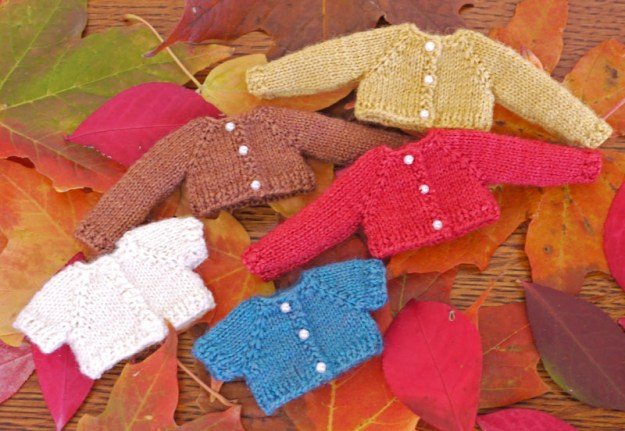
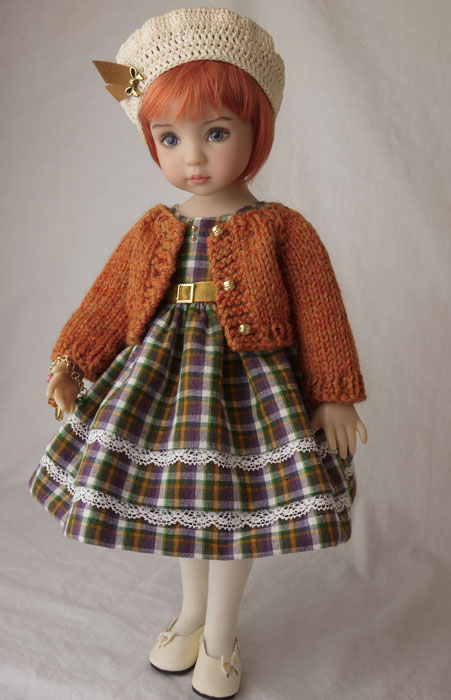
I went through my older photos and found my warmest looking fall sweaters.  Most of these are knit with a fingering weight Peruvian Highland wool.

These tiny sweater were all made for Kish’s little BJD, Lisbet.  She came before Amelia Thimble and is slightly larger.  I hand dyed all (except natural, of course) of the lace yarn (merino/silk) in fall colors.

Bethany’s sweater was knit with a Sport weight wool to make an even warmer sweater for chilly fall weather.

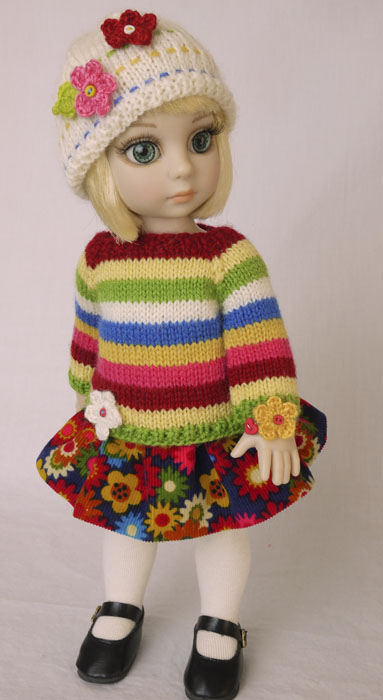
This striped sweater for Patsy was a “weaving in ends” project, but I love how it turned out.

Fall is Colored Brightly 742

Gina’s natural colored sweater was knit with a fingering weight wool/angora yarn.

orange you ready for fall 141

If it’s cool where you are I hope these photos warmed you up a bit.

Cozy fall weekend wishes to everyone in this half of the world!

Bye for now and thank you for reading along.


A Photoshop Elements Trick That I Often Use

Today I thought I’d share a little Photoshop Elements retouch trick that I use to warm up my doll’s skin tone.  I take my indoor photos with a variety of lighting going on in the room:  natural, fluorescent, and a studio light.  The season, time of day, colors in the outfit, and doll’s skin tone will all affect the feel of a photo.  I often get photos that seem greenish, which I don’t like.  Often a tiny tweak will take a greenish skin tone and make the doll look warm and healthy without affecting the colors in the outfit.

First of all, I am NOT in any way a Photoshop Elements expert.  I know what I know to get the job done, and that’s it.  Secondly, my Photoshop Elements is number 6 and I think they are up to number 14, so my version may be quite a bit older than yours is.  Also, my screen shots may look different if you have a different version, but hopefully the newer version will still have the same capabilities.

Here are some before and after photos.

Here is Talyssa wearing green.  Since red and green are opposite (complimentary) each other on the color wheel, tweaking this photo to make Talyssa rosier starts to muddy her green sweater, so very little can be done here.  The first photo (untouched) is closer to the real colors, however you can see she looks quite sallow, her skin is very ivory.  Talyssa is always my hardest doll to photograph.  I move her around a lot because I may find she looks better in a different location.  The best photos I took of her were in front of the Christmas tree; I’m looking forward to getting that up again for her photos.  Also, outdoor light doesn’t look too bad either.

Since the springtime, when I thought the magnolia blossoms would be pretty with Patience’s similar colored cardigan, I’ve been taking most photos outdoors.  I use Auto White Balance set in my camera and have found that outdoor photos need much less help, especially if taken when the light is warm outside.  BTW, for indoor photos I set my white color balance to a piece of glossy white photo paper.

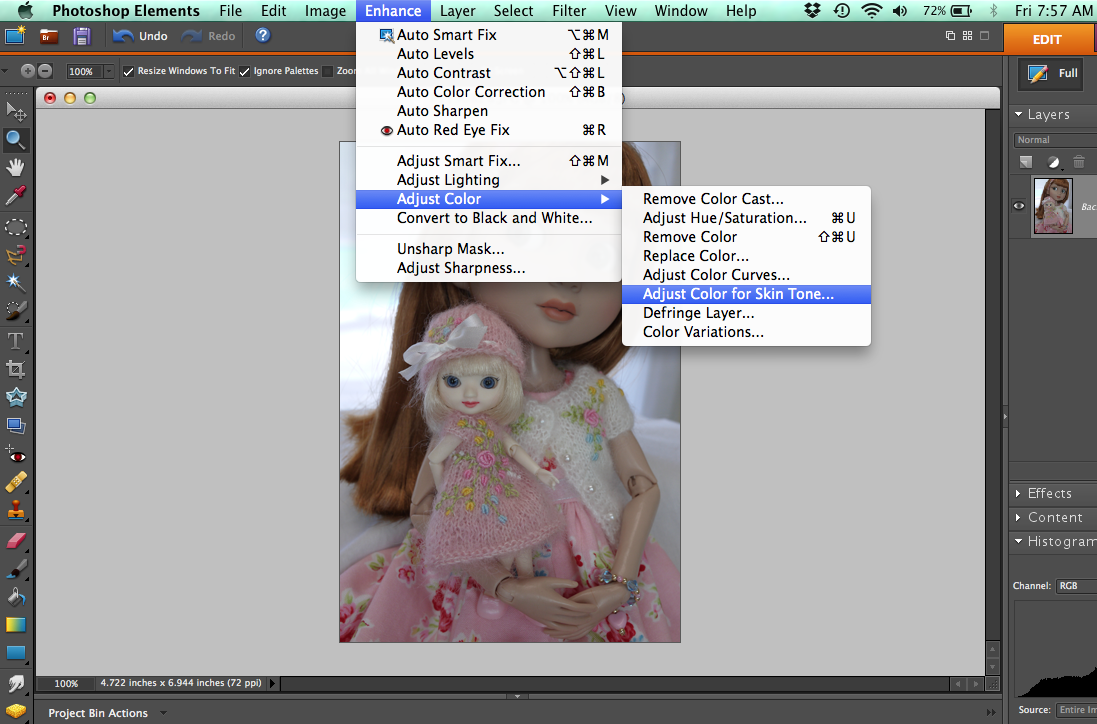
Here are the screen shots of the steps involved, so you can try this out if you’d like.

Screen Shot 2015-10-02 at 7.57.08 AMUnder the Enhance tab you’ll see adjust color with an arrow, go to adjust color for skin tone and this window will open up.

Screen Shot 2015-10-02 at 7.57.42 AMYour cursor will turn into an eyedropper.  Place it over an arm or any part of the doll’s skin and click.  The photo will color correct.  You can them play with the sliders.  I will often use the ambient light slider and go very slightly cooler or warmer.  You can always reset (or don’t save photo) if something strange happens.

There you go, something new for you to learn today (if you want to).  🙂

Have a great Friday!